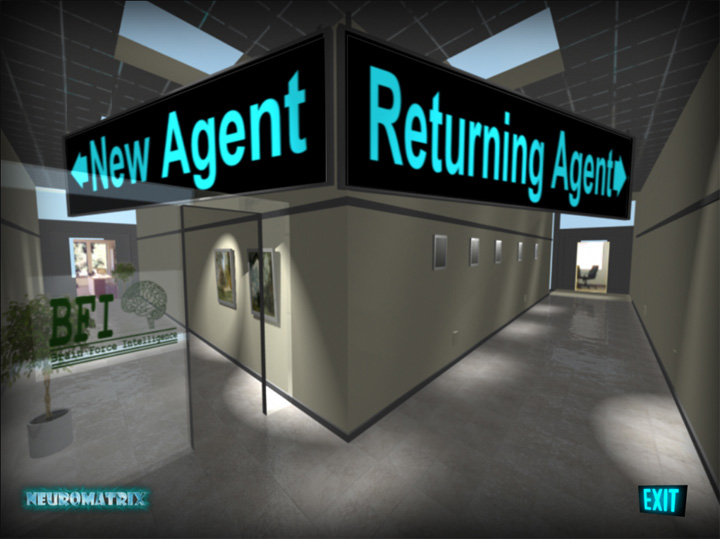
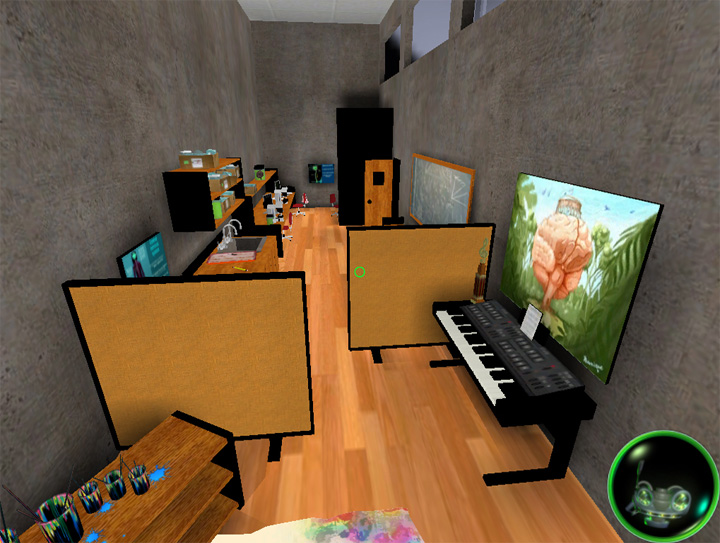
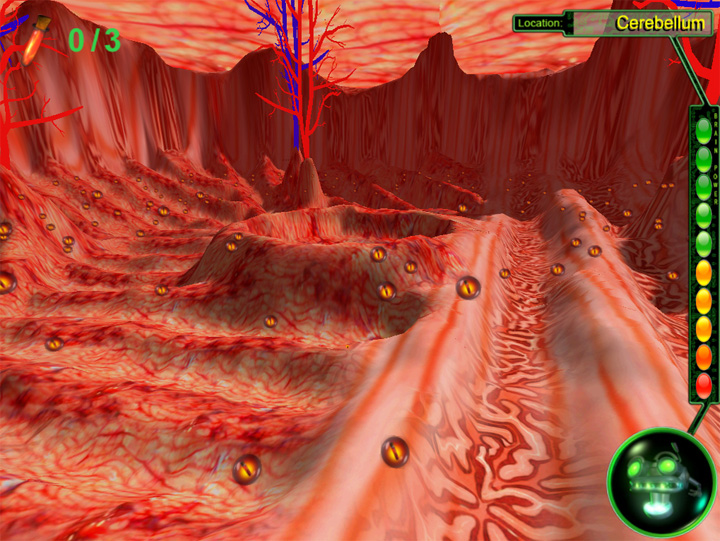
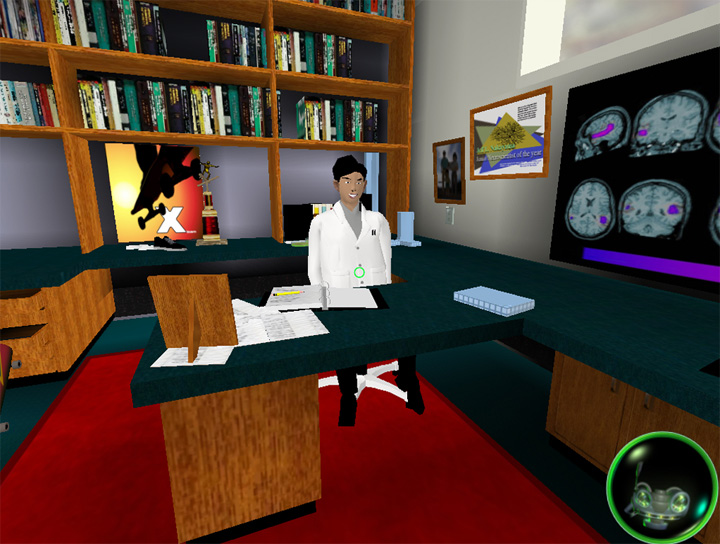
You play a secret agent infiltrating a top-secret neuroscience research facility. Your mission: to track down and root out Nanobots invading the brains of scientists there. Through detective work, you diagnose which parts of the scientists’ brains are infested with Nanobots, then shrink down and travel into the brain to track down the Nanobots.In the course of your adventure you’ll ride a board through the 3D channels of the Cerebral Cortex, dodge attacking Nanobots to guide neuro- transmitters through a synapse, and puzzle together the layers of a key memory. You strive to uncover the mysterious entity that spawned the Nanobots in order to prevent them from taking over the Earth and reprogramming the human brain to their whims!
OS: Windows XP, Windows 7
Flash Player 10 or later + ActiveX Control
Quicktime 10 or later
CPU: Pentium or equivalent (2 GHz or better)
Ram: 2 GB memory or more
450 MB free hard drive space
CD ROM